Data analysis
Slow LCP Is Rarely the Image’s Fault: Data From 2,600 Websites
Published by Christian Schreiber · 5 min read
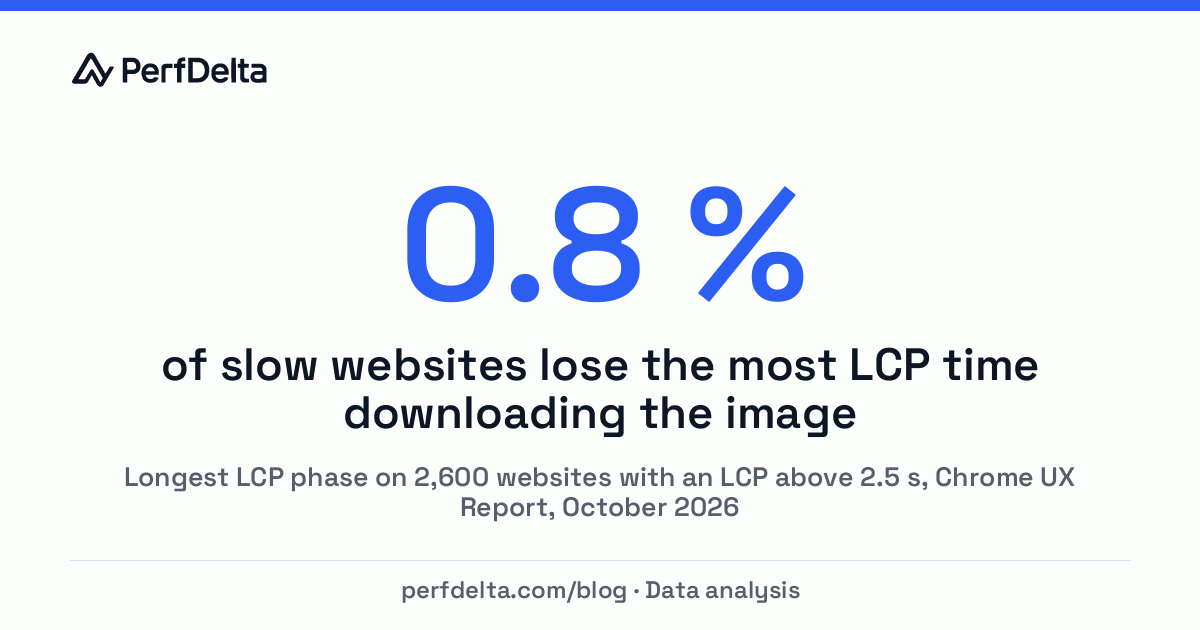
The standard advice for a slow Largest Contentful Paint is to compress the hero image. It sounds logical: the largest element on the page is usually an image, so a smaller file should appear sooner. Our field data tells a different story. We split the LCP of 2,600 websites that fail the 2.5-second threshold on smartphones into its four phases. The image download was the slowest phase in 21 of them. That is less than one percent.
Most of the time is lost before the download even starts.
LCP has four phases, and only one of them is the download
Every Largest Contentful Paint with an image can be broken into four consecutive phases. Chrome measures each of them for real visitors and publishes the results in the Chrome UX Report (CrUX):
- Time to First Byte: the browser waits for the server to send the first byte of the HTML.
- Resource load delay: the HTML has arrived, but the browser has not started requesting the image yet.
- Resource load duration: the image is downloading. This is the only phase that file size affects directly.
- Element render delay: the image is fully downloaded, but the browser has not painted it yet.
A useful way to picture it: ordering a book online. The server response is the shop confirming your order. The load delay is the time the parcel sits in the warehouse before anyone picks it up. The download is the delivery truck. The render delay is the parcel lying at your door until you open it. Compressing the image only makes the truck faster.
Load delay and server response cause nine in ten slow LCPs
For each website with a slow LCP, we looked at which of the four phases took the longest at the 75th percentile:
| Longest LCP phase | Websites | Share |
|---|---|---|
| Resource load delay | 1,204 | 46.3 % |
| Time to First Byte | 1,099 | 42.3 % |
| Element render delay | 276 | 10.6 % |
| Resource load duration (download) | 21 | 0.8 % |
Two phases dominate. On almost half of the slow websites, the image simply starts loading too late. On another four in ten, the server takes too long before anything happens at all. Google's own analysis of CrUX data comes to the same conclusion: in Common misconceptions about how to optimize LCP (web.dev, August 2024), Brendan Kenny notes that the image download is almost never the bottleneck.
Late image discovery is the most common LCP brake
A long load delay means the browser finds the LCP image late. The browser reads the HTML from top to bottom and requests images as it encounters them. If the image is not in the HTML, it has to wait for something else first. Typical causes:
- The image is a CSS background. The browser only discovers it after it has downloaded and parsed the stylesheet.
- JavaScript inserts the image. Sliders, carousels and client-side rendered pages add the image only after their scripts have loaded and run.
- The hero image is lazy-loaded.
loading="lazy"tells the browser to wait, which is the right choice for images further down and the wrong one for the first thing a visitor sees. - The image has low priority. Without a hint, the browser often treats images as less urgent than scripts and stylesheets.
The fixes are usually small. Put the LCP image into the HTML as a regular <img> element, remove loading="lazy" from it and add fetchpriority="high". If the image has to stay in CSS or JavaScript, a <link rel="preload"> in the document head lets the browser fetch it early. Our guide on preconnect and preload explains when each hint makes sense.
A slow server response is the second LCP brake
When Time to First Byte is the longest phase, every following phase starts late, and no image optimization can make up for it. The time goes into generating the page on the server, into redirects before the actual page, or into a long network path to a distant data center. Full-page caching, a content delivery network and avoiding redirect chains help most here. The Time to First Byte guide covers the causes in detail, including how much the choice of hosting provider matters.
Render delay matters on one in ten slow websites
A long render delay means the image is ready, but the browser is busy with something else. Render-blocking stylesheets and scripts, web fonts that hold back the text around the image or long JavaScript tasks keep the browser from painting. This phase was the longest on about one in ten slow websites. The guide on render-blocking resources shows how to find the culprits.
Image compression still helps, just not with LCP first
None of this means that image optimization is pointless. Smaller files save data for visitors, reduce the page weight and speed up every other image on the page. They just rarely fix a failing LCP. If your LCP is slow, check the order of the phases before you change anything: an image that starts loading two seconds late gains almost nothing from being 30 percent smaller.
Check which LCP phase slows down your website
PerfDelta shows the four LCP phases from real smartphone visits for every website that has enough Chrome traffic, next to the lab measurement. A free page speed test tells you which phase to work on first. To see how your phases compare with competitors, use the Core Web Vitals benchmark.
Method and limits of this analysis
- Data: 6,135 smartphone records from the Chrome UX Report, each origin counted once, retrieved by PerfDelta in October 2026. Each record covers a rolling 28-day window of real Chrome visits.
- Selection: the 2,600 websites with an LCP above 2.5 seconds at the 75th percentile for which CrUX reports the LCP phases.
- Image LCP only: CrUX reports the phases only for page views where the LCP element is an image. Pages with a text headline as LCP element are not included.
- Longest phase: each phase is compared at its own 75th percentile. These values do not add up exactly to the LCP, but they show reliably where most of the time goes.
- Sample: the websites come from PerfDelta tests and studies and lean towards larger brands. The results are not representative of the entire web. More figures from the same data set are in our website speed statistics.
